
Nginx Website Management
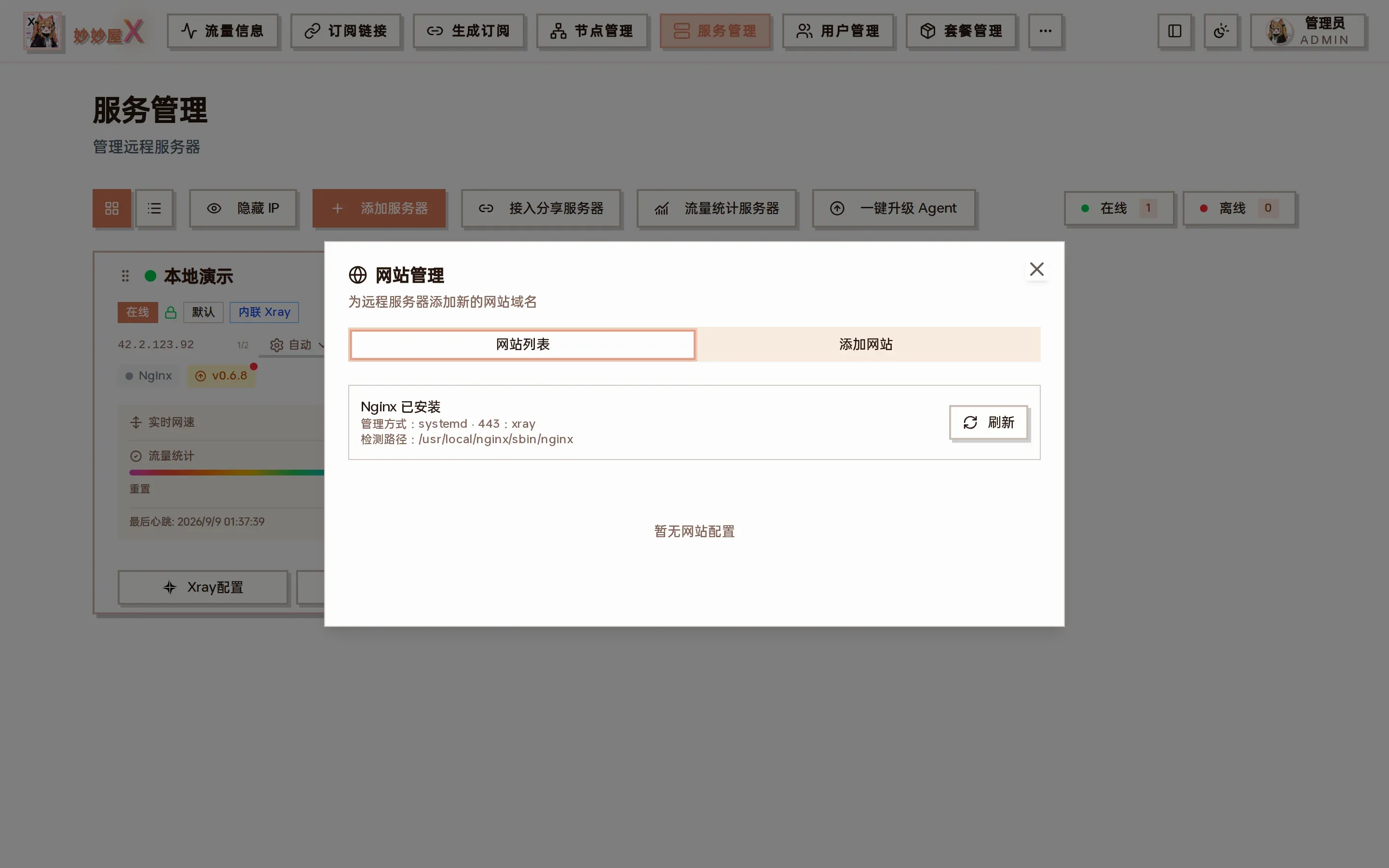
Websites — Nginx install state, management method, who owns port 443, and the site list of the server
Opening website management
Section titled “Opening website management”Open “Servers” and click “Agent” → “Websites” on the target card. The system scans MiaoMiaoWu X’s default Nginx servers directory and marks each site as static directory or reverse proxy; add or delete sites on the same page.
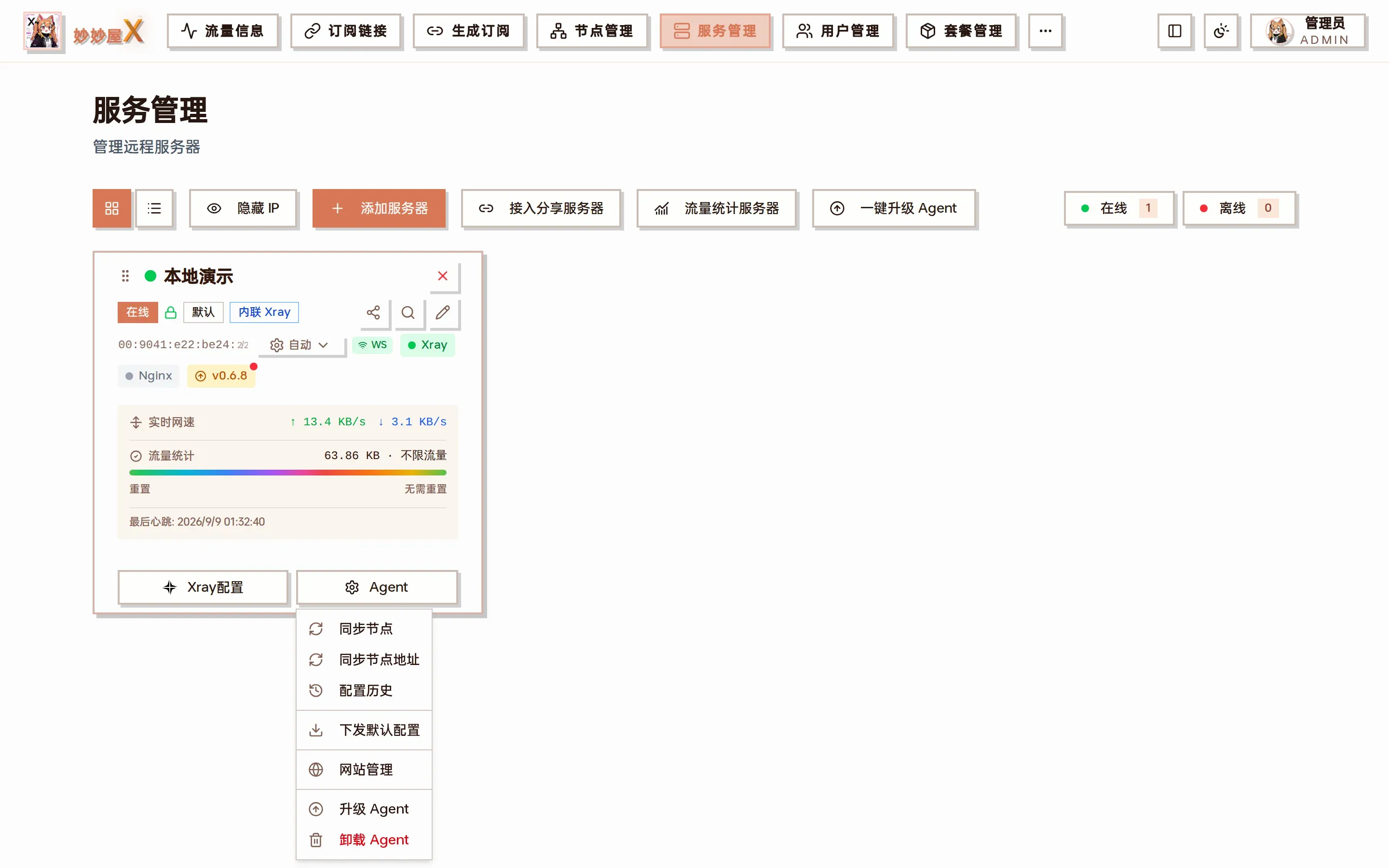
“Websites” in the Agent menu
The dialog header shows:
- Whether Nginx is installed and the detected path (e.g. /usr/local/nginx/sbin/nginx)
- The management method (systemd / OpenRC / SysV / direct command / Docker)
- Who currently owns port 443 (xray = taken over by REALITY / Tunnel, nginx = Nginx listens directly)
Add a website
Section titled “Add a website”Click “Add website”, enter the domain and choose a type:
Static site
Section titled “Static site”Enter the domain and an absolute directory on the server. Make sure the Agent can read it.
Reverse proxy
Section titled “Reverse proxy”Enter the domain and an upstream such as 127.0.0.1:8080. WebSocket and the usual forwarding headers come from the template.
Example: host a blog on a server that already “steals itself”
Section titled “Example: host a blog on a server that already “steals itself””- Steal-self is on; port 443 belongs to xray and is tunneled to Nginx
- “Agent” → “Websites” → “Add website” → domain
blog.example.com, type “Reverse proxy”, upstream127.0.0.1:2368 - The Agent writes the Nginx server block and reloads; point blog.example.com at the server and it is reachable over https
- The certificate is pushed by the master by domain match (request one covering the domain in Certificates first)
Installation and runtime
Section titled “Installation and runtime”Without Nginx the Agent can install it; an existing Nginx is reused with compatible directories. Service control adapts to the environment:
- systemd, OpenRC or SysV service management
- Without a service manager, the nginx binary is used to start, reload and stop
- The Docker image ships Nginx, no systemctl needed