
Standalone probe deployment
Deployment model
Section titled “Deployment model”The standalone probe hosts its static UI, read-only API proxy, and WebSocket proxy in one Cloudflare Worker. Visitors only access the probe hostname, while the master access token stays in a Worker Secret.
Before you begin
Section titled “Before you begin”- The master must have a public HTTPS address reachable by Cloudflare.
- Enable the standalone probe under System Settings → Probe and select the servers and metrics to expose.
- Enable probe API protection, generate the standalone token, and save it immediately. It is displayed only once.
- Prepare a Cloudflare account and authorize access to your GitHub account.
1. Open one-click deployment
Section titled “1. Open one-click deployment”Open the MMWX Probe repository and click Deploy to Cloudflare. Cloudflare guides you through GitHub authorization and creates a dedicated repository for continuous deployment.
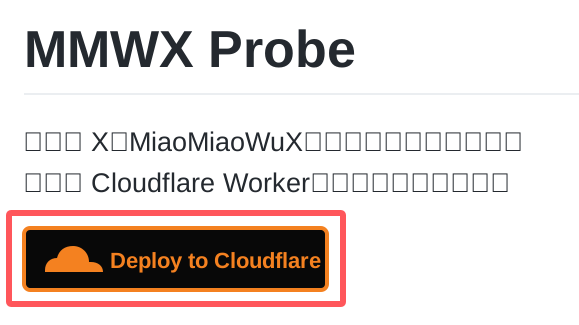
Click Deploy to Cloudflare at the top of the MMWX Probe README.
2. Configure the Cloudflare project
Section titled “2. Configure the Cloudflare project”Select your Git account and keep dedicated repository creation enabled. Use a name such as mmwx-probe-xxxx, set the build command to npm run build and deploy command to npm run deploy, and keep production-branch builds enabled.
| Required variables | Description |
|---|---|
| MMWX_ORIGIN | Public HTTPS URL of the MiaoMiaoWuX master, such as https://panel.example.com. Do not include a path or trailing slash. |
| PROBE_TOKEN | Standalone probe token generated under System Settings → Probe. Store it as a Secret and never commit it to source control. |
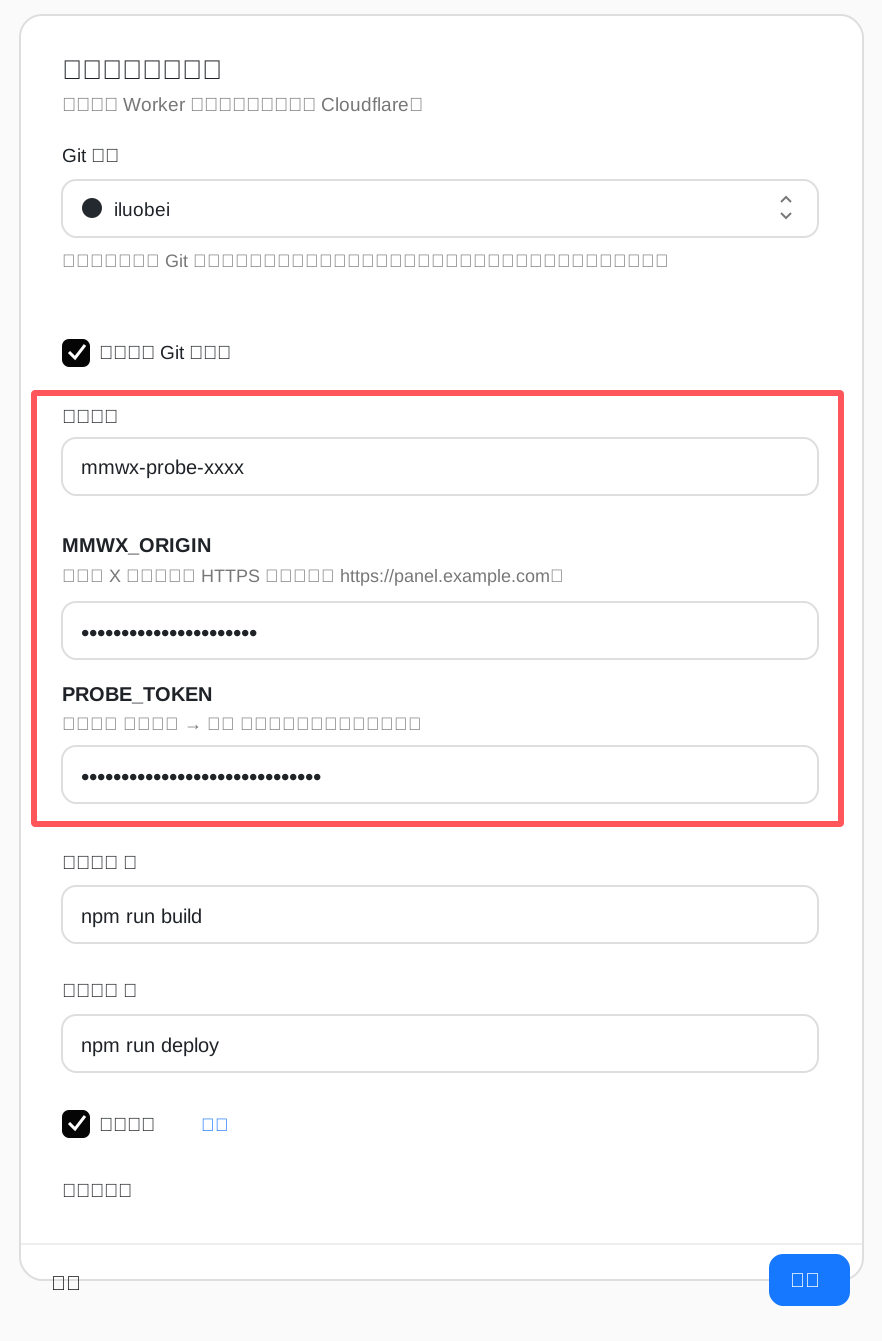
Enter the project name, MMWX_ORIGIN, and PROBE_TOKEN, then click Deploy.
3. Verify and bind a domain
Section titled “3. Verify and bind a domain”- Wait for the initial build and open the workers.dev URL provided by Cloudflare.
- Confirm that server cards, charts, and real-time updates load correctly.
- To use a custom hostname, add it under Worker Settings → Domains & Routes.
- After changing the master URL or rotating the token, update Worker Variables and Secrets and redeploy.
4. Enable automatic fork updates
Section titled “4. Enable automatic fork updates”The deployment repository is a fork of MMWX Probe. First make sure the fork contains the latest Sync upstream workflow. It then merges upstream changes every day at 11:23 China Standard Time; a successful push triggers a new Cloudflare build.
- Open the mmwx-probe repository under your GitHub account. If the branch is behind, select Sync fork → Update branch. Do not select Discard commits, because it removes custom commits from your fork.
- Open Actions. If GitHub says workflows are disabled for this fork, select I understand my workflows, go ahead and enable them.
- Select Sync upstream in the sidebar and choose Run workflow to synchronize immediately. A green status icon means the update was pushed successfully.
- Open Settings → Actions → General, select Read and write permissions under Workflow permissions, and save so the workflow can update main.
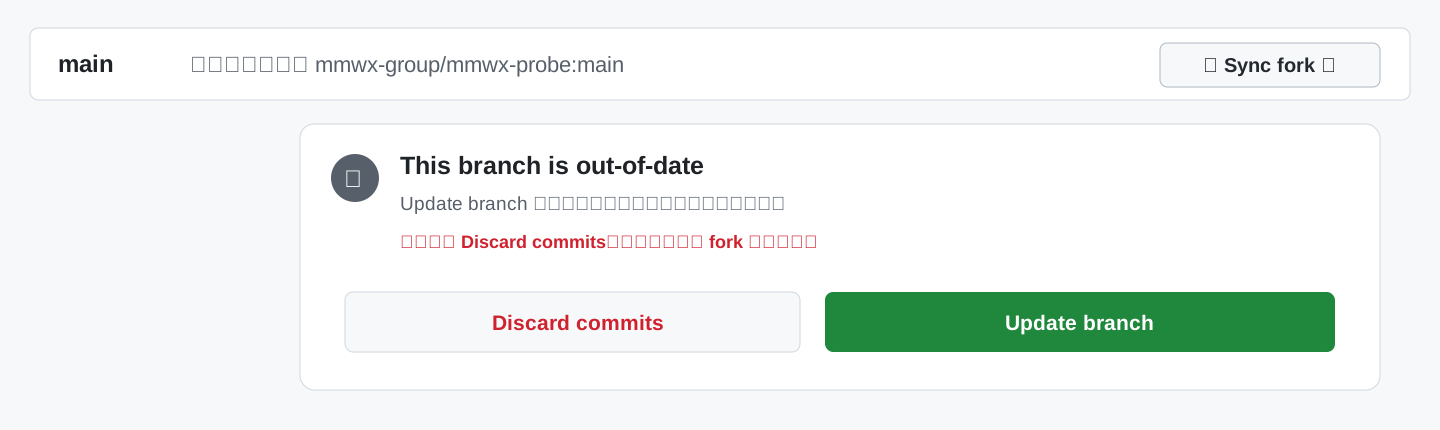
When the fork is behind, choose Sync fork → Update branch. Do not discard commits.
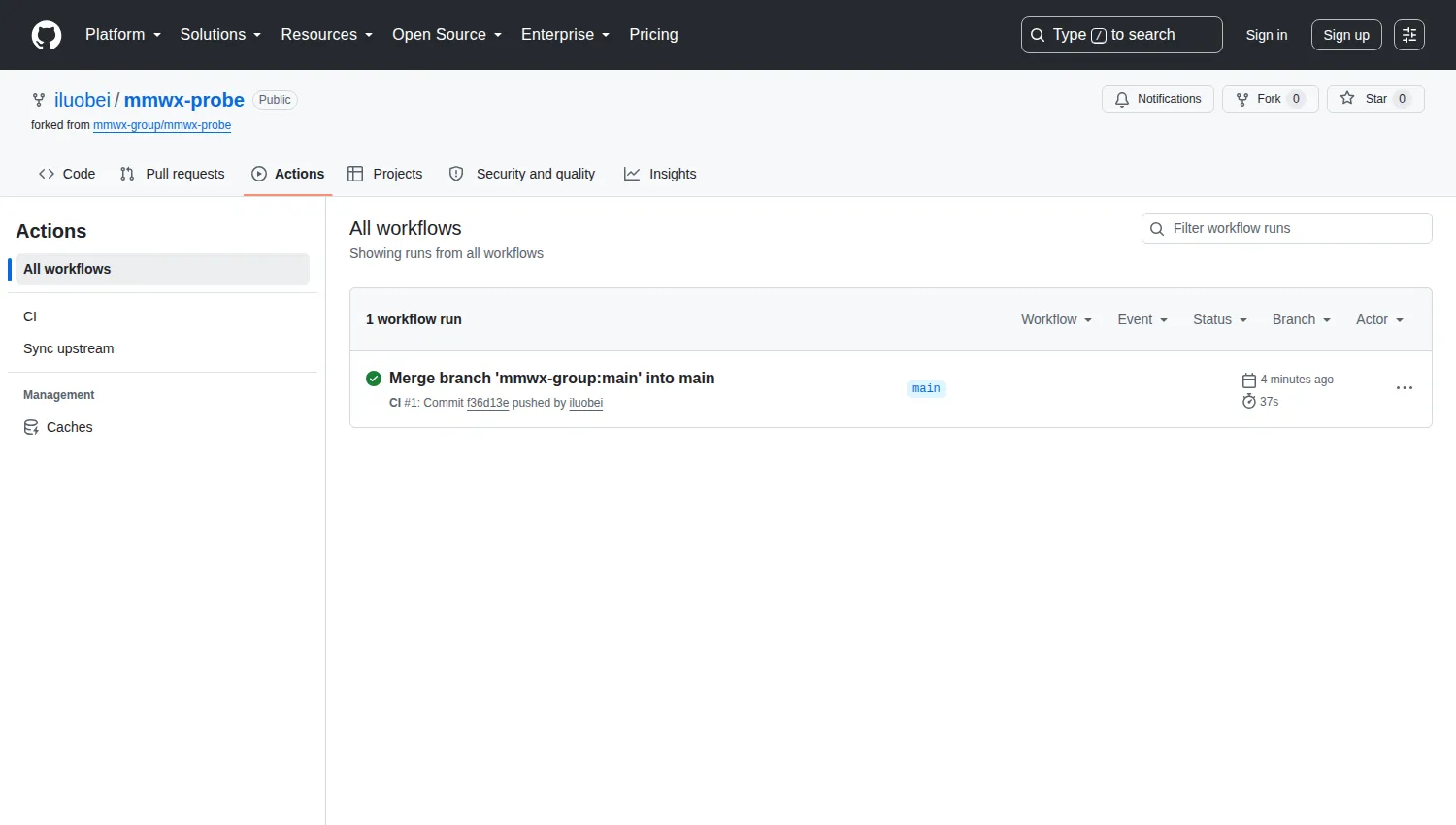
Sync upstream appears in the Actions sidebar; a green status icon confirms a successful run.
GitHub disables scheduled workflows in public forks by default and may disable them again after 60 days without repository activity. Re-enable the workflow or run Sync upstream manually if automatic updates stop. Merge conflicts stop the workflow without overwriting user changes.
Troubleshooting
Section titled “Troubleshooting”A 404 normally means the standalone probe is disabled, no servers are selected, or PROBE_TOKEN does not match. MMWX_ORIGIN must use HTTPS means the master URL is not public HTTPS.