
Subscription Generator
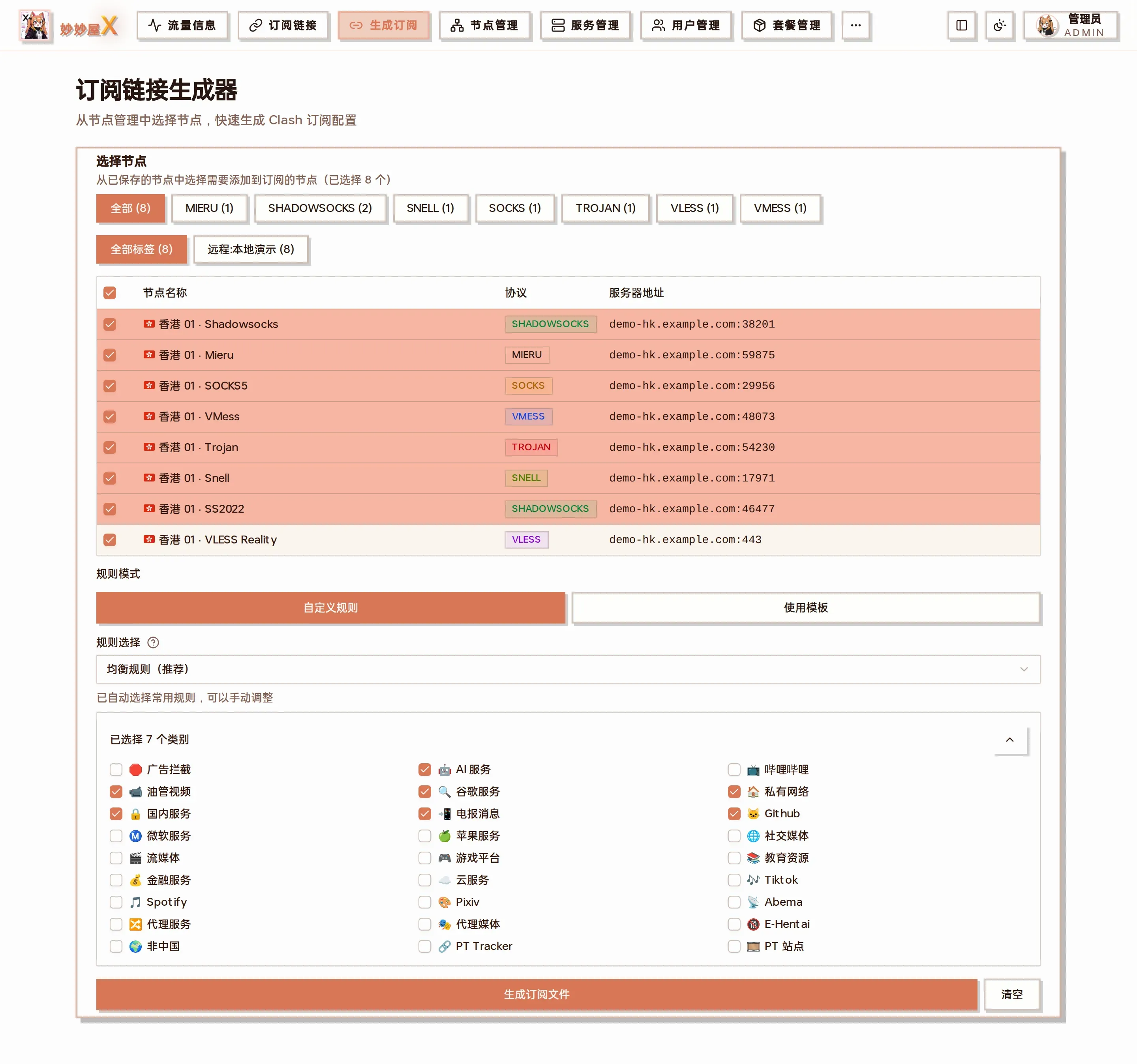
Generator — tick nodes in the upper half, choose the rule mode and rule categories below, then “Generate subscription file”
Overview
Section titled “Overview”The subscription system converts nodes into every client’s format and distributes them through unique links. The “Generate” page is where an admin produces a subscription file by hand: pick nodes from Node Management, choose split rules, preview the full YAML and save it to “Subscriptions” for users.
- Select nodes: filter by protocol / tag and tick the nodes to include (the table supports select all)
- Rule mode: “Custom rules” picks categories; “Use template” applies a V3 template directly
- Rules: the default “Balanced rules (recommended)” pre-selects common categories (AI, YouTube, Google, private network, domestic, Telegram, GitHub …); adjust freely
- Click “Generate subscription file”; the Clash YAML expands below, with “Region groups / Manual groups” toggles
- Click “Save subscription”, enter name / filename / description; the file is written to the subscribes directory
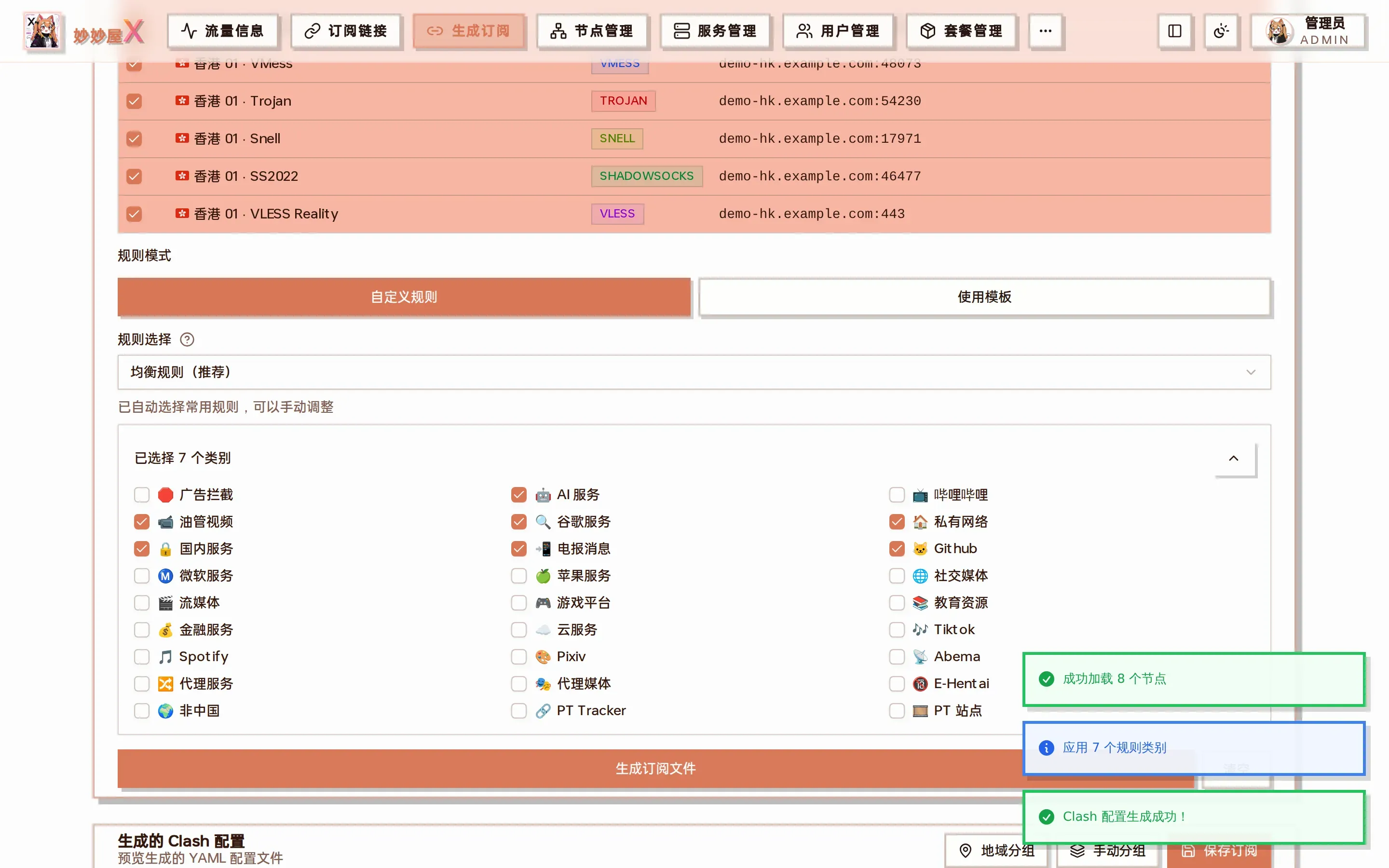
Generated result: full Clash config preview with “Save subscription” at the bottom
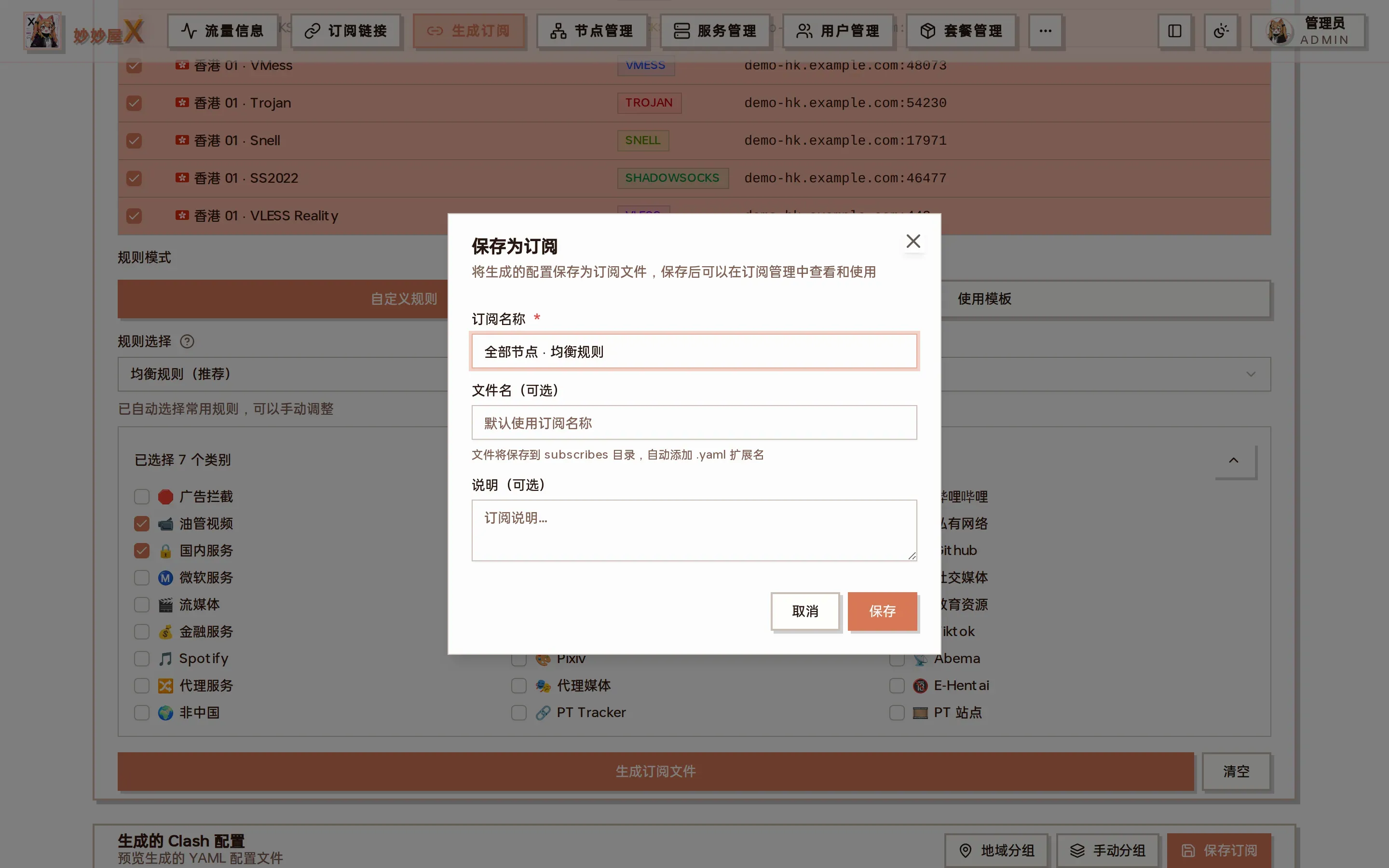
Save as subscription: name, filename (.yaml appended), description
Afterwards find it in Subscriptions or grab the link on the “Subscription Links” page.
Example: a “balanced rules” subscription for all nodes
Section titled “Example: a “balanced rules” subscription for all nodes”- Filter by the “Remote:local-demo” tag and tick all 8 nodes with the header checkbox
- Keep “Custom rules” and “Balanced rules (recommended)”
- “Generate subscription file” → toasts “Loaded 8 nodes” and “Applied 7 rule categories”
- “Save subscription” → name “All nodes · balanced” → save
- Open “Subscriptions”; the new file is listed and the short code next to the custom link copies the subscription URL
Supported client formats
Section titled “Supported client formats”| Format | Clients | Platforms |
|---|---|---|
| Clash/ClashMeta | mihomo, Clash Verge | All |
| Surge | Surge | macOS / iOS |
| Loon | Loon | iOS |
| Quantumult X | Quantumult X | iOS |
| Shadowrocket | Shadowrocket | iOS |
| SingBox | sing-box | All |
| Stash | Stash | macOS / iOS |
| Surfboard | Surfboard | Android |
| V2Ray | V2RayN, V2RayNG | Windows / Android |
| Egern | Egern | iOS |
Subscription link
Section titled “Subscription link”https://your-domain.com/api/clash/subscribe?token=<user token>&format=<format>token — the user’s subscription token (generated in User Management)
format — output format (clash, surge, loon, qx, shadowrocket, singbox, stash, surfboard, v2ray, egern)
“Copy subscription” in the Users list yields the link with the user’s own token; with short links enabled it takes the /x/<code> form.
Conversion flow
Section titled “Conversion flow”- The user requests the subscription link
- The token is validated and the user’s available nodes are loaded
- The converter for the requested format is selected
- The subscription template is applied if configured
- The final subscription is returned