
Overrides
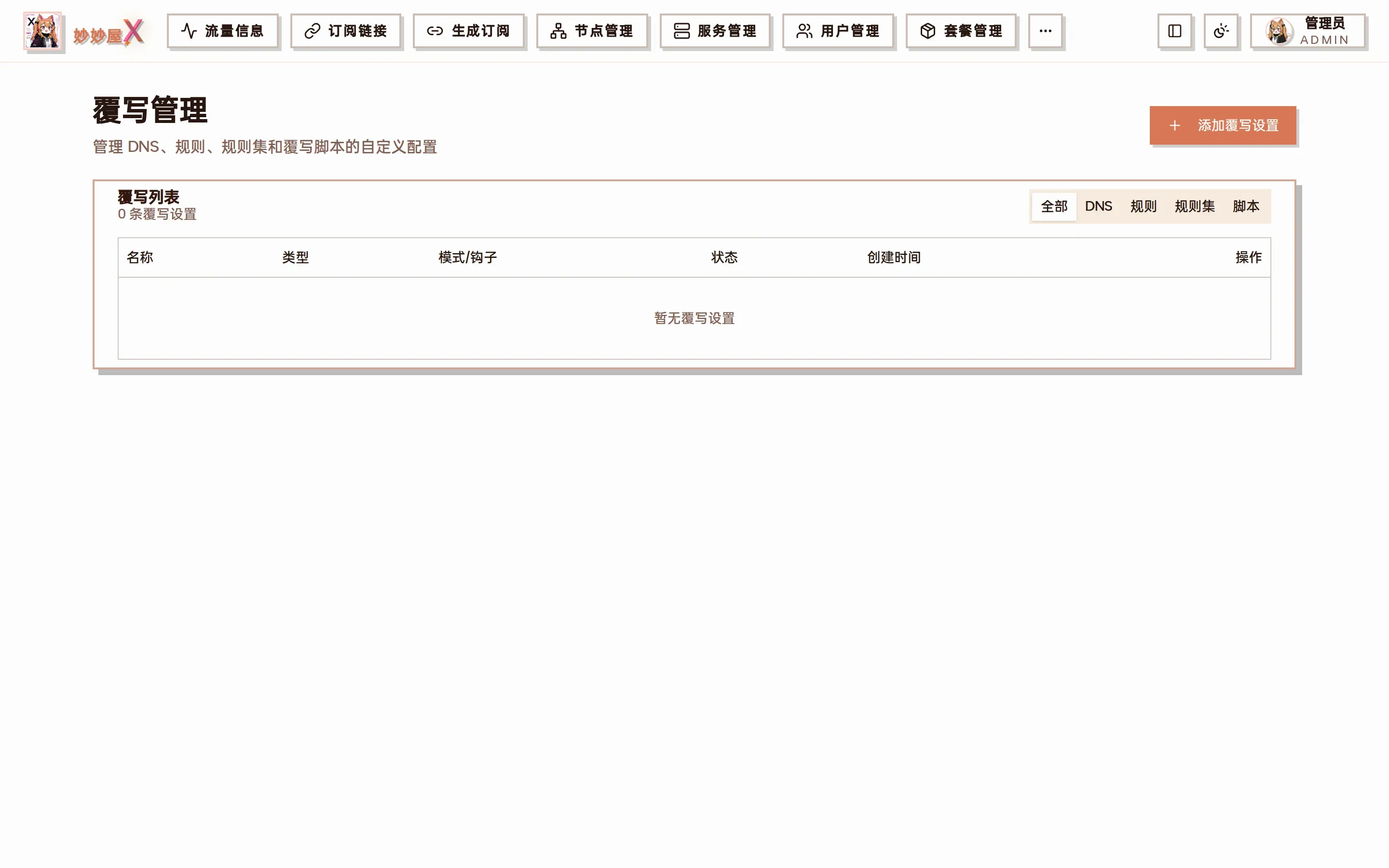
Overrides — list grouped by DNS / Rules / Rule providers / Scripts, with enable / edit / delete
Overview
Section titled “Overview”Overrides (custom rules) layer extra configuration fragments onto the subscription output to control how specific domains or IPs are proxied. Rules are inserted before template rules and take priority. An override consists of “type + mode + content” and can be bound to one template or apply globally.
Add an override
Section titled “Add an override”Click “Add Override”:
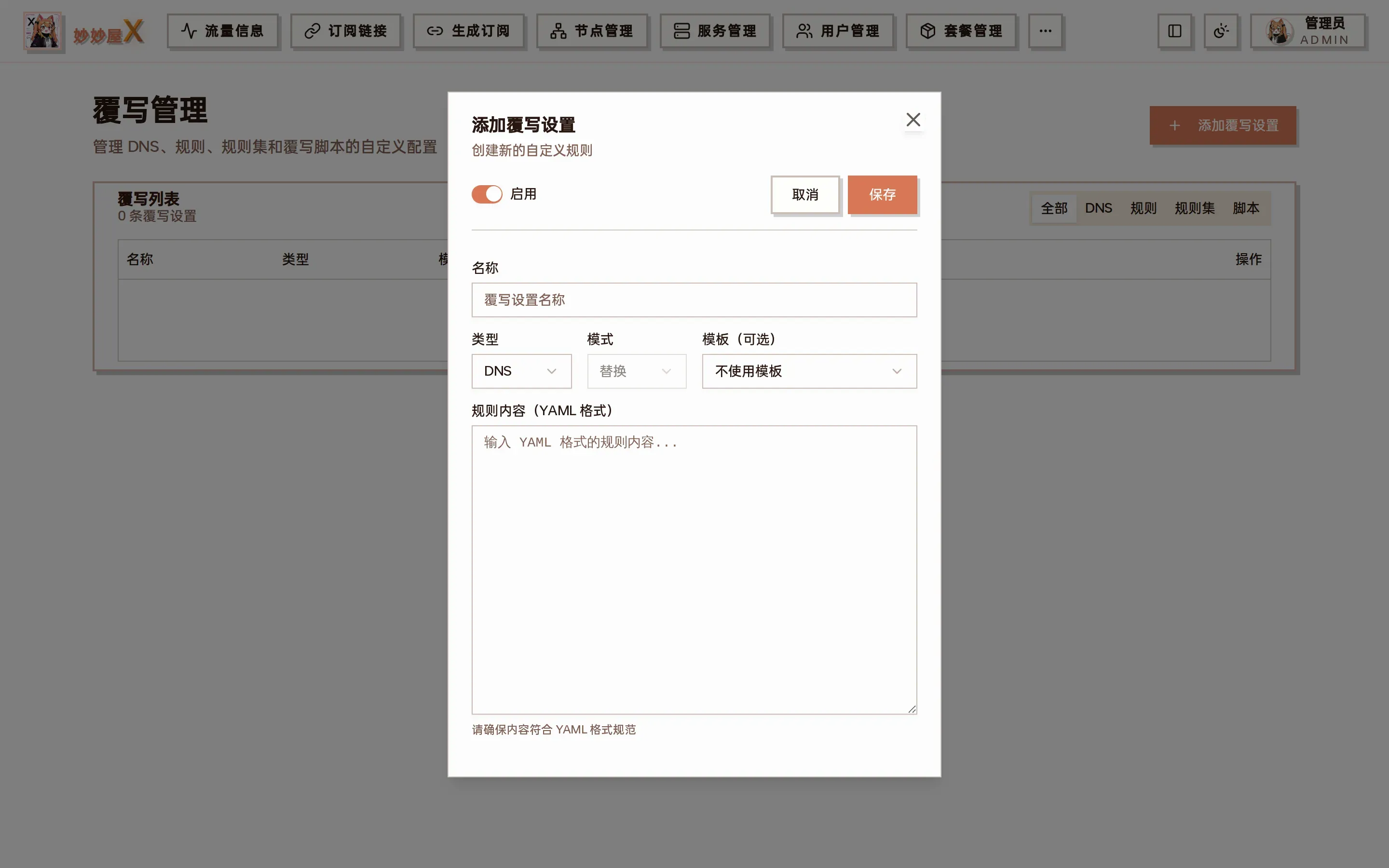
Add override: enable switch, name, type, mode, template (optional), YAML content
| Field | Description |
|---|---|
| Enable | When off the config is kept but not applied |
| Name | A recognizable name |
| Type | DNS / Rules / Rule providers / Script — which part of the config is affected |
| Mode | Replace: replace the template field entirely; Append / Prepend: insert around it |
| Template (optional) | Apply to one V3 template only; empty applies to every subscription |
| Content | YAML that follows mihomo syntax |
Rule types
Section titled “Rule types”| Type | Match | Example |
|---|---|---|
| DOMAIN | Exact domain | DOMAIN,example.com,PROXY |
| DOMAIN-SUFFIX | Domain suffix | DOMAIN-SUFFIX,google.com,PROXY |
| DOMAIN-KEYWORD | Domain keyword | DOMAIN-KEYWORD,github,PROXY |
| IP-CIDR | IP range | IP-CIDR,10.0.0.0/8,DIRECT |
| GEOIP | GeoIP | GEOIP,CN,DIRECT |
Policies
Section titled “Policies”| Policy | Meaning |
|---|---|
| PROXY | Through proxy |
| DIRECT | Direct |
| REJECT | Block |
Examples
Section titled “Examples”Example 1: AI and GitHub via proxy, LAN and domestic direct
Section titled “Example 1: AI and GitHub via proxy, LAN and domestic direct”Type “Rules”, mode “Prepend”, content:
rules: - DOMAIN-SUFFIX,openai.com,PROXY - DOMAIN-SUFFIX,anthropic.com,PROXY - DOMAIN-KEYWORD,github,PROXY - IP-CIDR,192.168.0.0/16,DIRECT - GEOIP,CN,DIRECTExample 2: replace the DNS section
Section titled “Example 2: replace the DNS section”Type “DNS”, mode “Replace”, content:
dns: enable: true enhanced-mode: fake-ip nameserver: - https://dns.alidns.com/dns-query - https://doh.pub/dns-queryRe-fetch the subscription after saving to see the effect; script overrides (type “Script”) require the “Override scripts” switch in “System Settings → Features”.